Ask your files. See the exact sentence behind every answer.
Citenook reads your PDFs, documents, notes and spreadsheets, answers in plain words, and cites the page each fact came from. It can run entirely on your Mac1.
Works the way you'd check it yourself.
No more opening twenty files to find one clause. Citenook finds it, answers, and shows you where it looked.
Add your files
Point it at folders, Apple Notes, web pages, YouTube videos or Notion. Group them into brains, like one per client.
Ask in plain words
“What's the notice period in the signed contract?” Citenook reads the right passages and writes a short answer.
Check the source
Every sentence is cited. Click a number and the exact words light up in the original file.
For the files you'd never paste into a chatbot.
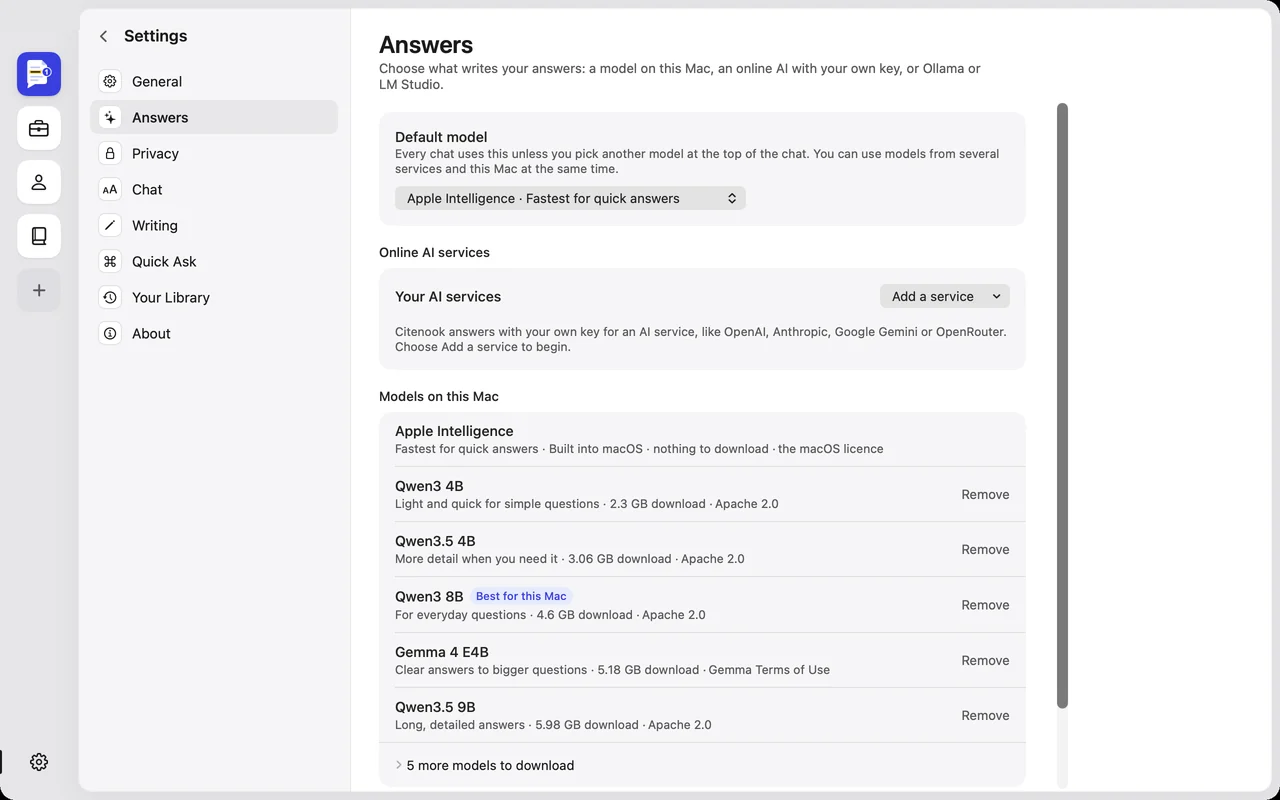
Your files are read, indexed and searched on your Mac. You choose what writes the answers, per chat.
A model on your Mac
Apple Intelligence, or a free model you download once. Nothing leaves your Mac, and it works offline.
Your own AI key
OpenAI, Anthropic, Google or OpenRouter, billed to your account. Only the passages for that answer are sent2, and personal details can be hidden first3.
Ollama or LM Studio
Use the models you already run on this Mac. Citenook finds them on its own.
Try it: turn off Wi-Fi and ask a question with a model on your Mac. You still get a cited answer.
Ask from any app.
Select text in Mail, Safari, Slack or Word and press ⌥Space. Ask your files about it, or have it rewritten, without leaving what you're doing.
- Answers come with the same citations as the main window
- Fix grammar, shorten, change the tone, or write a reply
- Insert the result back where you were typing
All your kinds of files, in one place.
Keep each client, project or subject in its own brain, or ask across everything at once.
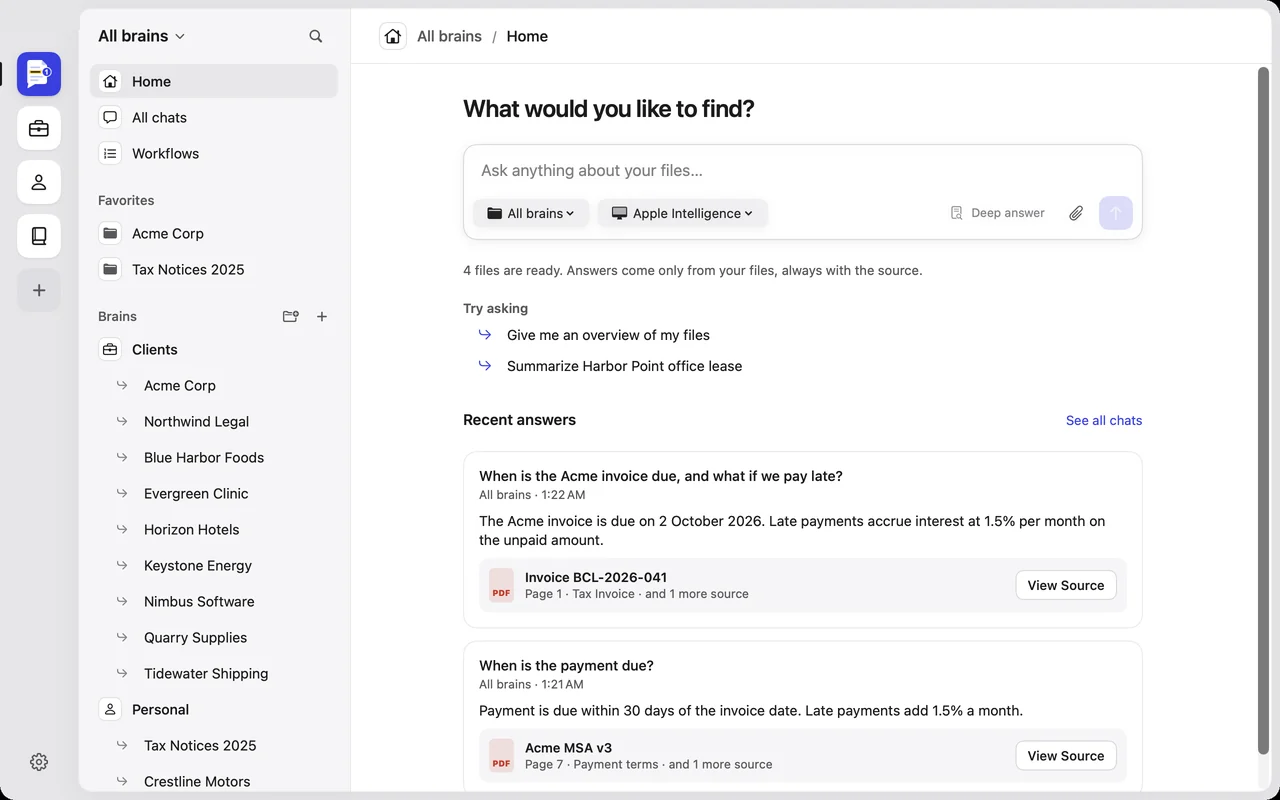
Pick the AI that fits each question.
Use a quick model on your Mac for everyday questions and a stronger online one for the hard ones. Switch any time, from the top of the chat.
- Deep answer searches several times for questions that span many files
- Teach it how you write, so rewrites sound like you
- Save steps you repeat as a workflow, like “what's due this week, as an email”
Why not just use a chatbot?
Chatbots are great for general questions. Your own files need a different tool.
| Chatbots | Online notebooks | Citenook | |
|---|---|---|---|
| Your files | Uploaded to each chat | Uploaded to the service | Read and searched on your Mac |
| Proof for each answer | Rarely | Citations to passages | The exact sentence, highlighted in your file |
| Works offline | No | No | Yes, with a model on your Mac |
| Which AI answers | The provider's | The provider's | Your choice, per chat |
| Folders that change | Upload again | Upload again | Kept up to date on its own |
| In your other apps | Copy and paste | Copy and paste | One shortcut, anywhere |
Made for people with a folder full of documents.
Consultants
Find what each client agreed to, across proposals, contracts and meeting notes.
Lawyers
Pull clauses from signed versions and see the page, not a paraphrase.
Accountants
Check invoices, notices and statements, and ask what's due or overdue.
Researchers
Ask across papers and notes, and quote the exact passage.
Students
Turn lecture notes, readings and recordings into answers you can trust.
Anyone at home
Leases, warranties, tax papers and manuals, answered in seconds.
Questions
Does Citenook work offline?
Yes. With Apple Intelligence or a model you've downloaded in Settings, everything happens on your Mac and no internet is needed. Online AI services, web pages and YouTube need a connection.
Do I need an OpenAI or other AI account?
No. You can use models on your Mac for free. If you want an online AI, add your own key from OpenAI, Anthropic, Google or OpenRouter in Settings; you pay them directly for what you use.
What gets sent when I use an online AI?
Your question and the passages chosen for that answer, nothing else. File names aren't sent, and you can turn on hiding personal details like names, emails, phone numbers and ID numbers. You can also preview exactly what will be sent before it goes.
Which files can it read?
PDFs, Word documents, spreadsheets, text and Markdown, audio recordings (transcribed on your Mac), Apple Notes, web pages, YouTube videos and Notion pages.
Which Macs does it run on?
Macs with Apple silicon (M1 or later) on macOS 15 or later. Models on your Mac run best with 16 GB of memory or more; with 8 GB, an online AI or Apple Intelligence is the better choice.
Are my files used to train AI?
Citenook never uses your files to train anything. Online AI services handle requests under your own account and their terms.
How do I get help?
Write to support@citenook.com, or choose Help → Contact Support in the app.
Your files have the answers.
Citenook finds them, and shows you where.